
I used to chase Ultra.
Then I started paying the electric bill, listening to the GPU fans at 10 p.m., and noticing that the “cinematic” preset was buying me shimmer and heat instead of fun. These days the rule is simpler: locked, consistent 60 comes first. Everything else is negotiable.
This is not a manifesto against pretty games. It is a practical guide for anyone running mid-range or last-gen hardware who still wants the game to feel good in the hands without turning the living room into a server closet.
The hierarchy I actually use
Frame time consistency A clean 60 with stable frame times beats an unlocked 80 that dips and recovers. Stutter is more distracting than a lower average number. If the game has a frame-rate cap, I use it. If it has a frame-time graph or I can overlay one, I watch it for a few minutes in the densest combat or traversal the game offers.
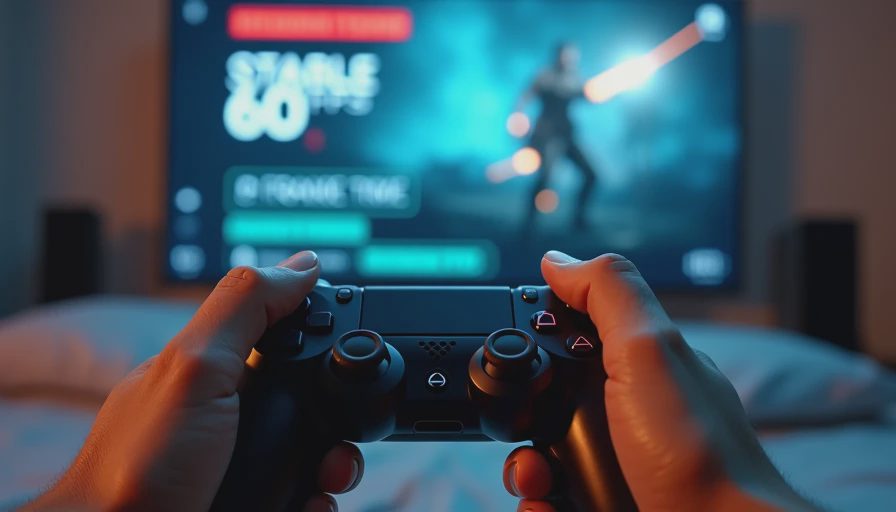
Resolution and upscaling Native 1440p or 1080p with a quality upscaler (DLSS Quality, FSR Quality, XeSS Quality) is usually the sweet spot on budget hardware. I avoid Performance modes unless the alternative is dropping below 60. The image holds up better than most people expect once the motion is smooth.
The settings that actually cost frames Shadows, volumetric lighting, ambient occlusion, ray-traced effects, and dense foliage or crowd settings are the usual suspects. I drop these first. Reflections and water can often stay medium. Textures can usually stay high if VRAM allows—texture quality is one of the last things I touch because it is more noticeable when it is wrong than when it is merely good.
Motion clarity over peak fidelity Motion blur off. Depth of field off or minimal. Film grain off. Chromatic aberration off. These effects rarely survive the “does this help me play better at 10 p.m.” test. Sharp, readable motion matters more when your attention budget is already limited.
VSync, caps, and tearing If the game supports a clean frame-rate limiter, I set it to 60 (or 58–59 if the limiter is imperfect). Adaptive sync helps, but it is not magic if the game itself is hitching. I would rather have a hard cap and consistent delivery than a higher number that feels uneven.
A short practical checklist before I settle on a preset
Load into the most demanding area I have reached so far.
Watch frame times, not just the average FPS counter, for two or three minutes of real play.
Ask whether any visual setting is costing more frames than the clarity it adds.
Confirm the game still feels responsive on controller if that is how I play at night.
Listen to the PC. If the fans are loud enough to notice over the game, the settings are still too high for the room and the hour.
I keep a simple note for each game: the preset or custom mix that delivered stable 60 on my hardware, plus any must-change toggles. When a patch lands, I re-check the same demanding spot. Some games get lighter. Some get heavier. The electric bill and the bedtime window do not care which one the developer intended.
Ultra is a marketing checkbox. Stable 60 is what lets me finish a session, put the controller down, and still feel like the time belonged to me instead of to the hardware.
A game doesn’t need to be perfect. It needs to earn the hours. On a budget, that starts with settings that keep the picture steady and the PC quiet enough that the rest of the house can stay asleep.

No notes yet — write the first.